Article: Certification of Completion for Assessments content
The Certificate of Completion is provided to faculty and students who successfully pass select ACEMAPP Assessments. This guide explains how to access, print, or save your certificate after completing an eligible assessment.
Step 1: Take the Assessment
After viewing the Course, take the related Assessment by clicking the "Take Assessment" button.

Step 2: Access the Certificate of Completion
Once you complete the Assessment, you can print a certificate by clicking the "Print Certificate" button.

Step 3: Print or Save the Certificate
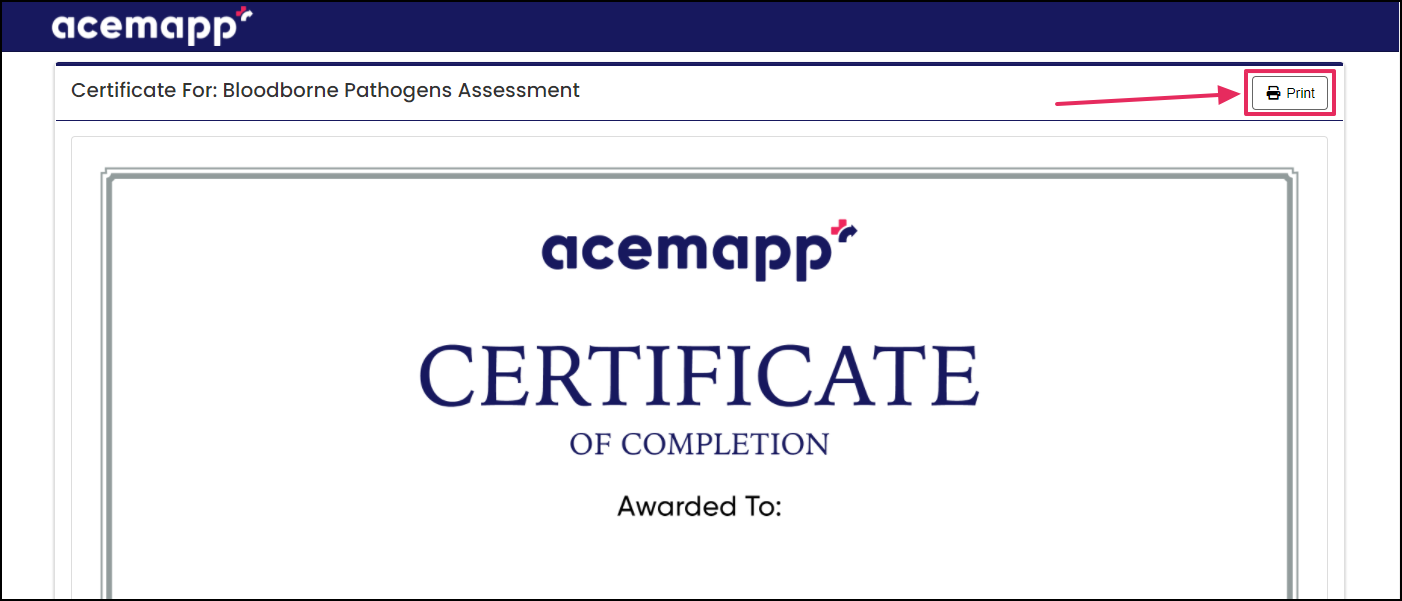
To print, click either the print button in your web browser or the "Print" button on the top of your screen just above the Certificate.
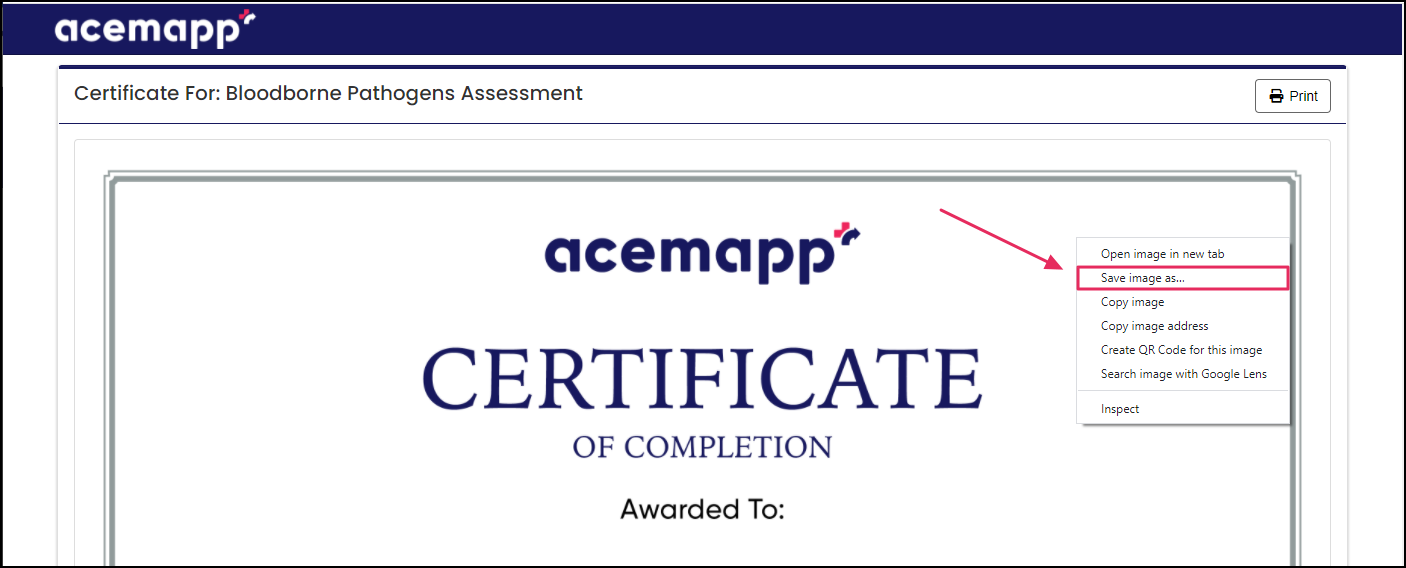
To save to your computer, right-click on the certificate and click "Save Image As".
NOTE: Not all courses may have a certificate of completion. Your coordinator should contact ACEMAPP support if a certificate is required.
